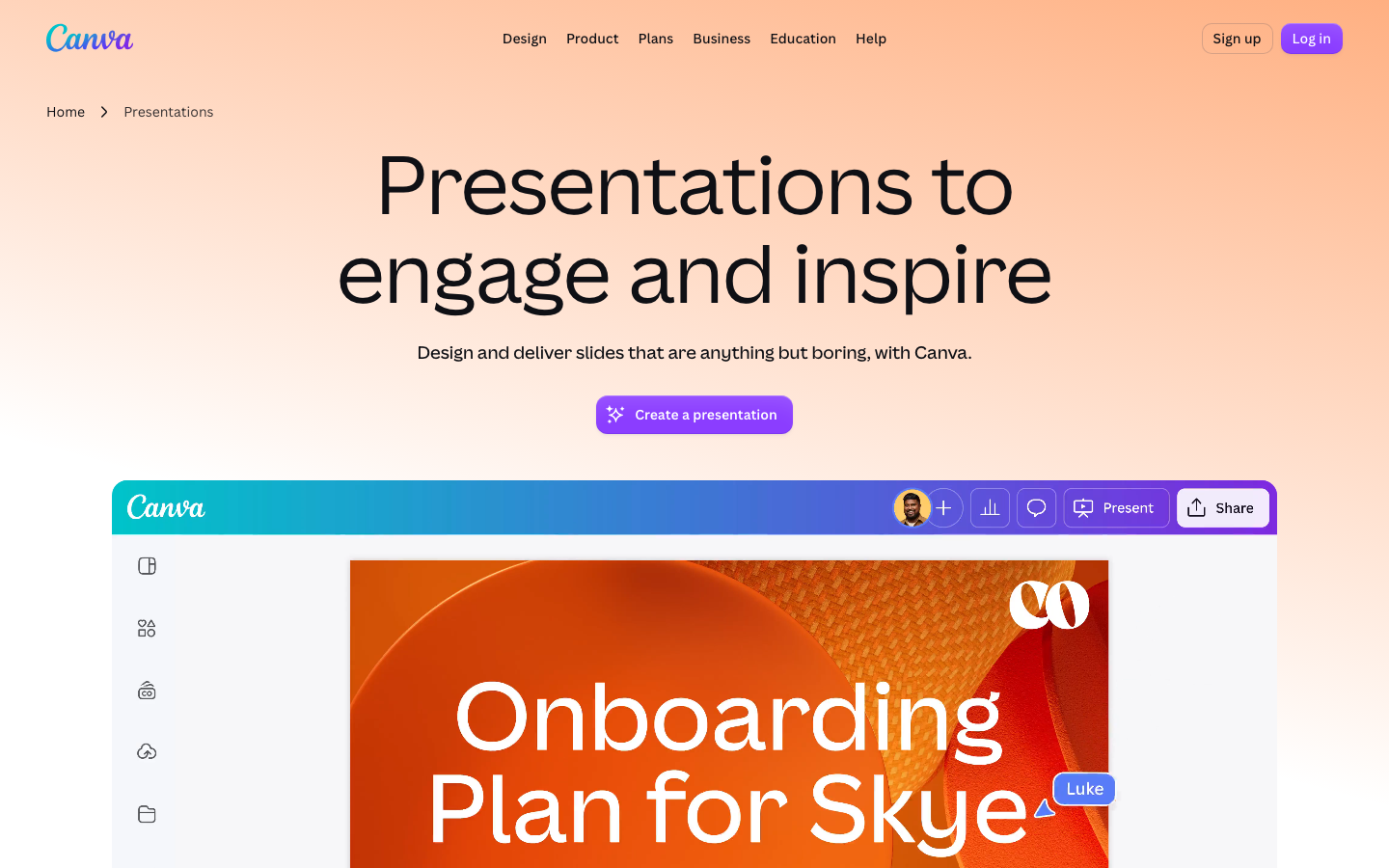
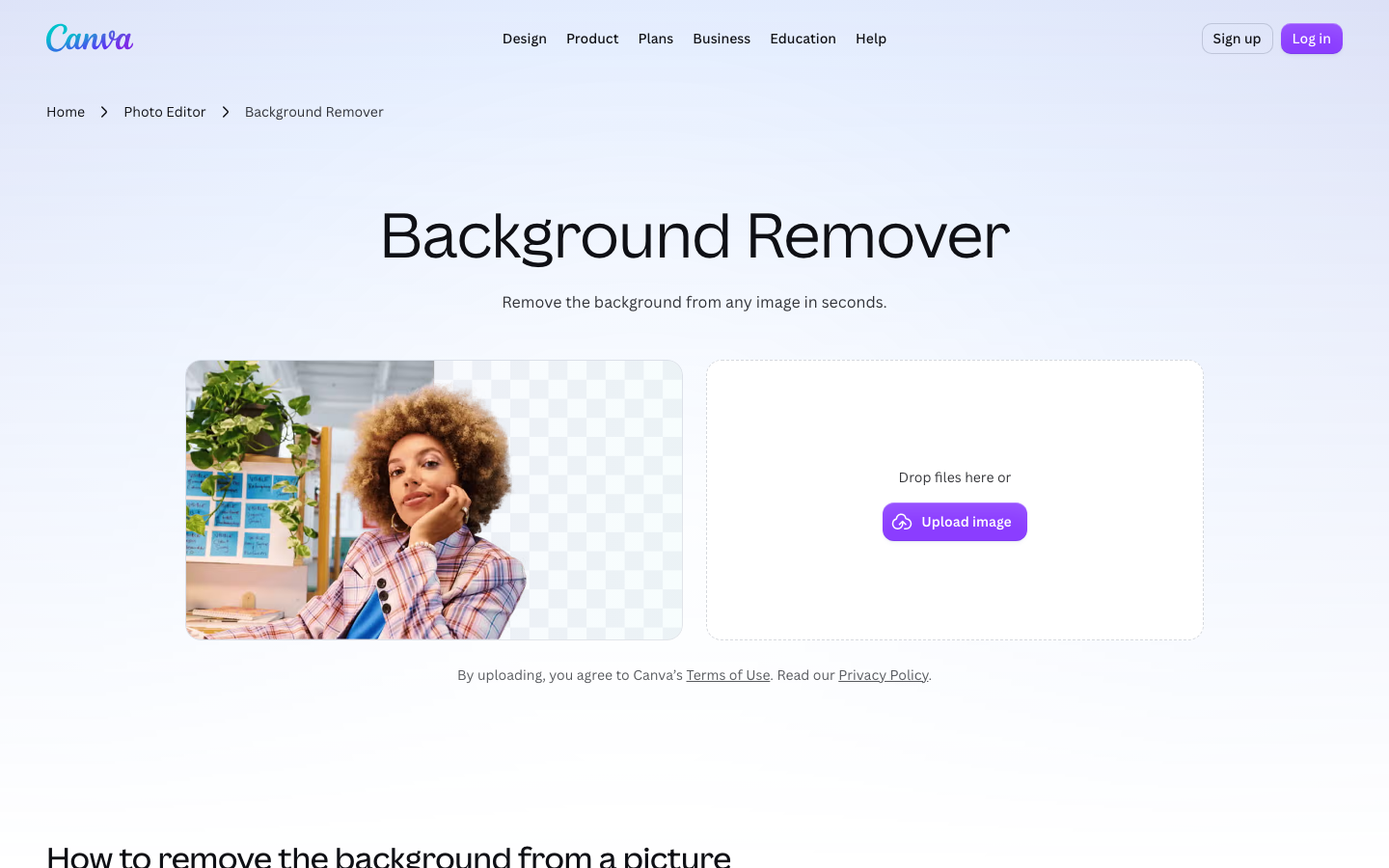
TL;DRCanva is a browser-based drag-and-drop design tool for non-designers that cannot replace Adobe Photoshop or Illustrator for advanced raster or vector editing.The free plan includes over 250,000 starting layouts and...
TL;DRTo set a background in Canva, click an empty area of the page to reveal the Background tab in the side panel, then use the color picker with HEX input,...
TL;DRTo add text in Canva, click the Text tab in the left panel and then click Add a text box or a preset font combination.Formatting controls like font, size, color,...
TL;DRCanceling Canva Pro keeps all uploaded images and original designs in your account, with no files deleted.Pro-only stock photos, premium layouts, and icons in existing designs show a watermark and...