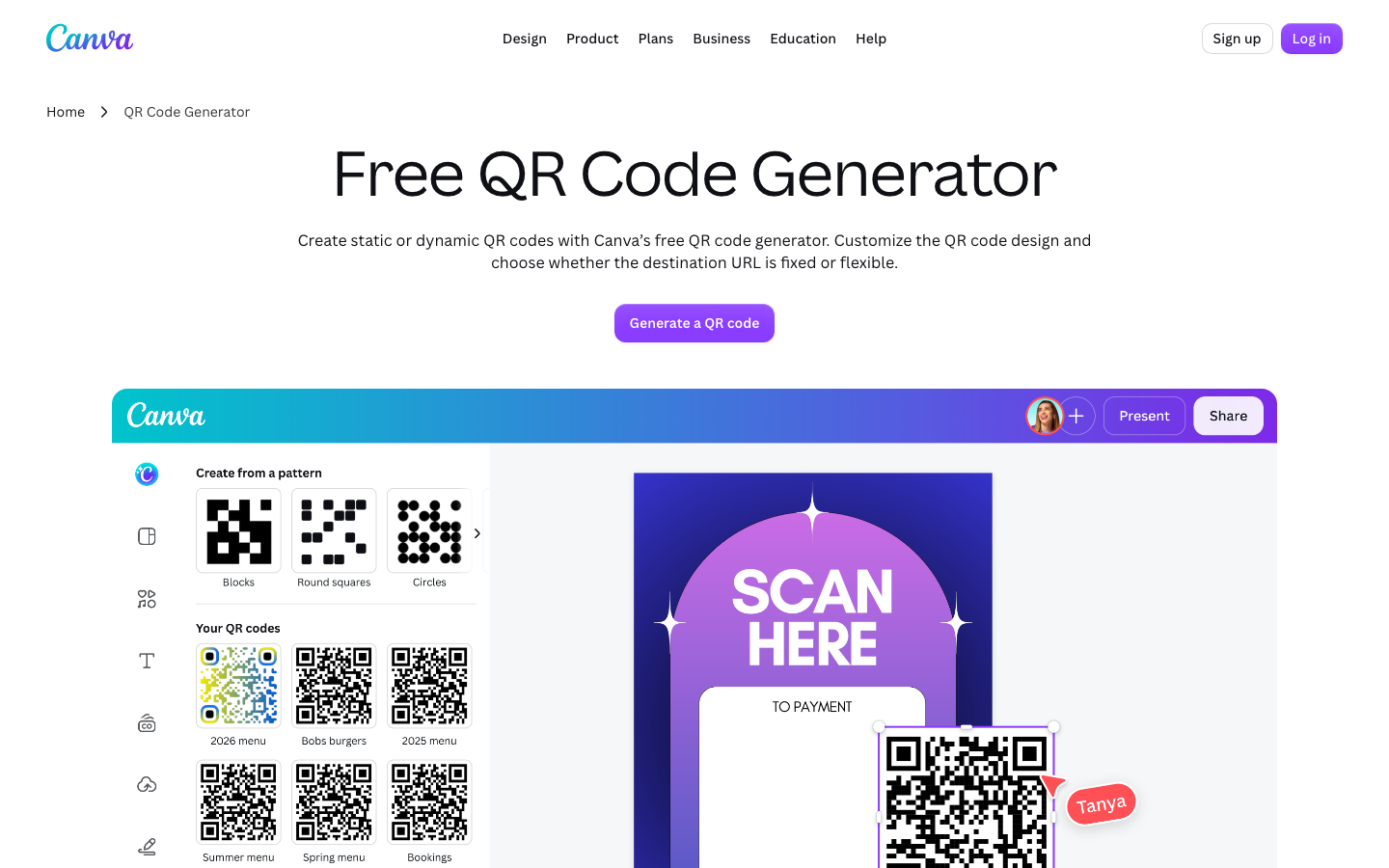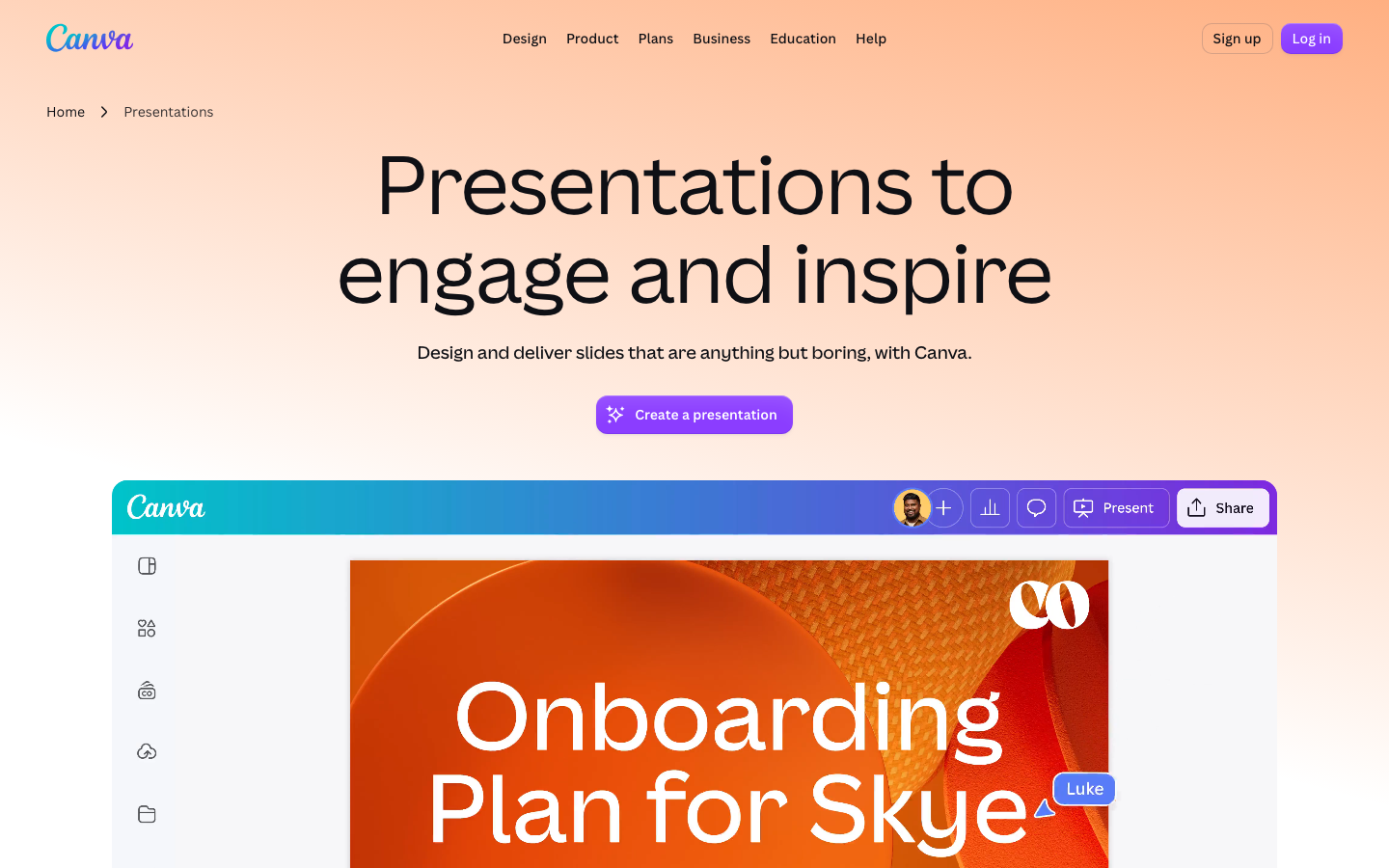
Canva is a browser-based drag-and-drop visual workspace for people who are not designers. Instead of manipulating pixels or vectors, users pull elements onto a canvas and build social media graphics, presentations, posters, flyers and short videos. The library includes over 250,000 free starting layouts and more than 1 million free photos and graphical assets.
It is not a substitute for Adobe Photoshop or Adobe Illustrator. Canva cannot handle advanced raster editing, precise vector paths, layer complexity, color management or the output controls that a billboard or magazine layout demands. It fills a different slot: a fast, template-driven surface for anyone who needs a presentable visual but lacks the time or training to master a professional design suite.
Who Canva is for: the non-designer with a deadline
Canva targets people who need a finished visual but do not work as graphic designers. Small-business owners scheduling social posts. Teachers assembling classroom handouts. Event runners promoting a gig. Startup founders building pitch decks. The blank-page problem vanishes because every project starts from a professionally built starting layout, not a white canvas.
The free tier opens the full starting-layout library
Free, Pro and Teams
Users can upload their own images and fonts. The free plan caps the number of premium starting layouts per design. For most casual users, that cap barely matters.
Canva Pro adds premium starting layouts, over 100 million premium stock assets, Background Remover and Magic Resize, which adapts a design to several formats in one click.
Canva for Teams layers on real-time commenting and shared folders.
What Canva produces: common outputs and formats
Canva generates nearly every visual format a non-designer actually needs.
Social and digital formats
Instagram posts and stories, Facebook covers, LinkedIn banners, X headers and Pinterest pins dominate the output mix. Pre-sized starting layouts match each channel's exact dimensions, so nobody has to memorize pixel specs.
Presentations and print
Presentation layouts look more designed than a typical slide-deck template, though Canva lacks the deep animation and transition controls of PowerPoint or Google Slides. For print, posters, flyers, brochures and business cards ship as PDF Standard for screens or PDF Print for commercial presses.
Video and motion
Short motion graphics export as MP4 video or animated GIF. Canva is not a video editor: it does not handle long-form editing or multi-track audio.
Where Canva falls short: advanced design work
Canva cannot replace Photoshop or Illustrator when the brief demands professional precision. Photoshop gives pixel-level control, advanced masking, channels and color profiling. Illustrator delivers vector path editing and typographic command built for print-industry standards. Canva offers neither.
Vector limits and color
Vector work in Canva stops at basic shape manipulation and text placement. Logos that must scale from business card to billboard require Illustrator's path tools. The workspace also lacks CMYK color management, so screen-accurate hues may shift on a commercial press.
Layers and control
Elements stack and reorder in a layer system far simpler than Photoshop's. No blend modes. No layer masks. No adjustment layers. That constraint is deliberate. It is speed's trade-off: fine for the core audience, a hard ceiling for anyone who needs production-grade output.
The template library: size, structure, and limits
The layout library is Canva's center of gravity.
Free tier and premium unlock
The free plan covers over 250,000 starting layouts across social media, presentations, documents, print and video. Every layout is pre-sized and built by a professional graphic designer, then customized with the user's own text, images and colors. Canva Pro unlocks an additional set of premium starting layouts alongside over 100 million premium stock photos, videos and graphical assets, all licensed for commercial use. The free plan's assets carry a commercial license too, but the pool is smaller.
Brand Kit
Canva Pro's Brand Kit stores a company's logos, colors and fonts so anyone on the team applies them consistently. Free-tier users upload logos and set colors manually for each design.
Key facts about Canva
- Platform type: Web-based drag-and-drop graphic design platform for non-designers
- Free plan templates: Over 250,000 free templates
- Free plan assets: More than 1 million free photos and graphics
- Pro plan assets: Over 100 million premium stock assets
- Output formats: PNG, JPG, PDF Standard, PDF Print, MP4 video, GIF
- Not a replacement for: Adobe Photoshop or Adobe Illustrator for advanced raster or vector editing
Collaboration and team features
Canva for Teams brings real-time commenting and shared folders. Multiple users work on the same design simultaneously, with changes surfacing live. The feature targets marketing teams, social media managers and small businesses where several people produce visual assets.
Where collaboration fits
The collaboration toolkit is leaner than Figma or Sketch. There is no fine-grained version history and no design-system management for large organizations. For a team of five to twenty, it is adequate. For a studio of fifty, the absence of version control and structured asset management becomes a friction point.
Brand Kit for teams
Canva for Teams includes Brand Kit. Update a logo or brand color once, and every design linked to the kit reflects the change. It is a practical solution for small teams that cannot justify a standalone brand management tool.
Frequently asked questions about Canva
Can I use Canva for professional commercial work?
Yes. Both free and paid plans include commercial licenses for assets and layouts. Small businesses and marketing teams routinely produce social media graphics, presentations and print materials with it.
Is Canva safe to use for my business?
Canva is a legitimate, widely used service. Designs are stored on its servers with industry-standard security practices. Review the terms of service regarding data ownership and asset licensing.
Does Canva replace Photoshop or Illustrator?
No. It is designed for non-designers who need a polished visual quickly. It cannot handle advanced raster or vector editing.
What file formats can I export from Canva?
PNG, JPG, PDF Standard, PDF Print, MP4 video and GIF.
Can I use my own fonts and logos in Canva?
Yes. Upload your own images and fonts. The Brand Kit feature on Canva Pro stores logos, colors and fonts for consistent application across designs.