TL;DRDesigners earn money through the Canva marketplace (royalties per Pro subscriber use) or external platforms like Etsy (fixed price minus platform fee, Canva takes no cut).To sell on Canva's marketplace,...
TL;DRHold Shift while dragging a corner handle to lock the aspect ratio and scale uniformly in Canva Free and Pro.Dragging a corner handle without Shift warps the image, turning a...
TL;DRTo print from Canva without quality loss, export as PDF Print with the 'Crop marks and bleed' checkbox selected, which guarantees a 300 DPI file.For home printing, set the printer...
TL;DRGrouping in Canva requires selecting at least two elements and using Ctrl+G (Windows) or Cmd+G (Mac) on desktop.Ungrouping uses Ctrl+Shift+G (Windows) or Cmd+Shift+G (Mac) on desktop, or the Ungroup button...
TL;DRCheck canvastatus.com for a green, orange, or red bar indicating system status and component-level faults for Website, Editor, Exports, Uploads, and Authentication.Cross-reference with Downdetector’s 24-hour report graph and the @canva...
TL;DRCanva's built-in highlight effect is called Background, found in the Effects panel, and it always covers the entire text box, not individual words.To highlight a single word, you must split...
TL;DRTo add a link in Canva, select any text or element, click the chain-link icon in the floating editor bar, paste a URL, and press Enter.Canva links are functional in...
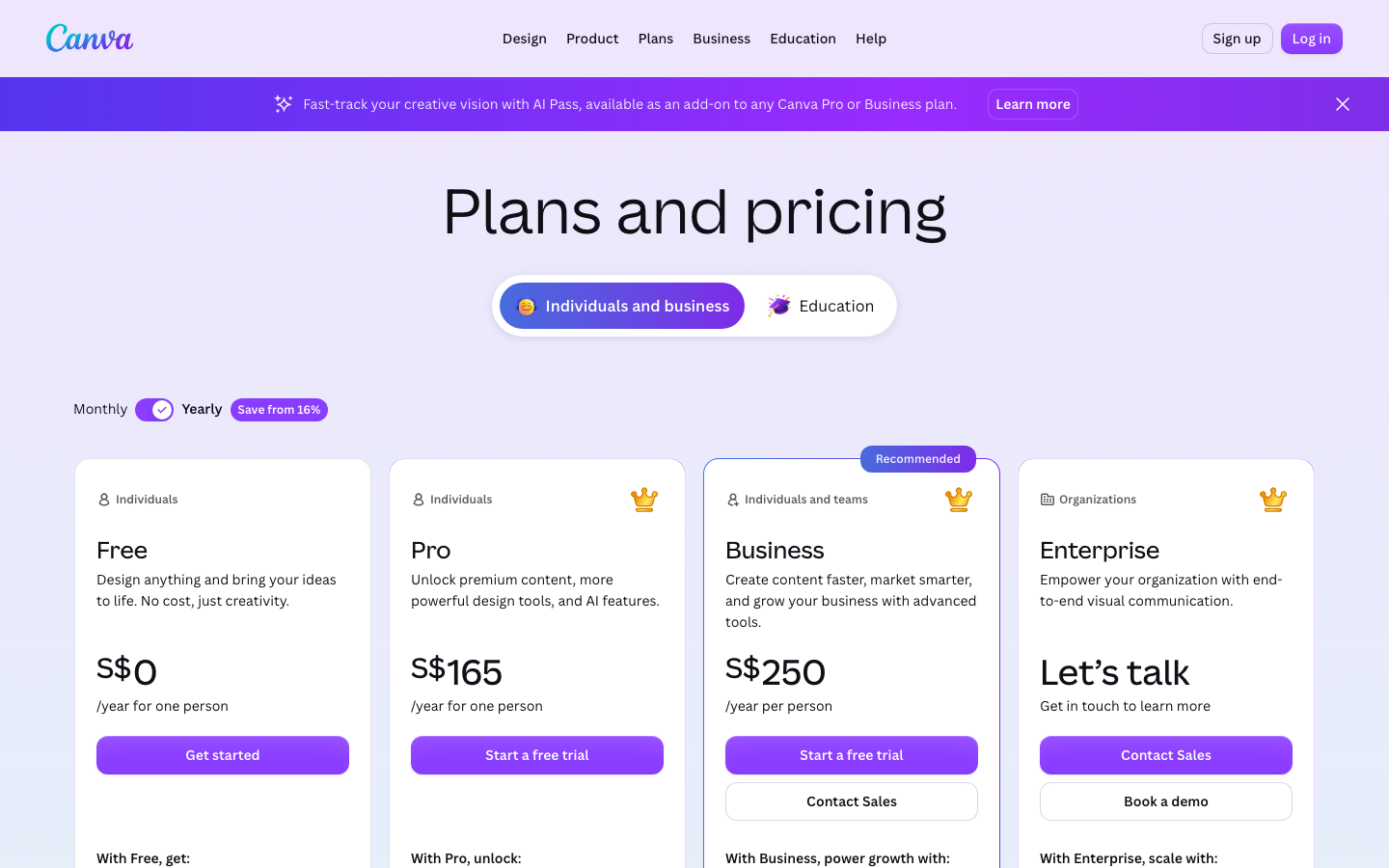
TL;DRCanva Pro costs about $13 per month on a monthly plan or roughly $120 per year (around $10 per month) in the US, with regional variations.Pro unlocks over 100 million...
TL;DRThe Flip button in the top toolbar works identically for images, shapes, and text boxes.Flipping horizontal creates a left-to-right mirror; flipping vertical turns the object upside down.For truly mirrored text,...
TL;DRFree Canva users can export a .pptx file; Pro users can also save directly to Google Slides format through Google Drive.The .pptx export preserves simple animations but strips embedded audio...
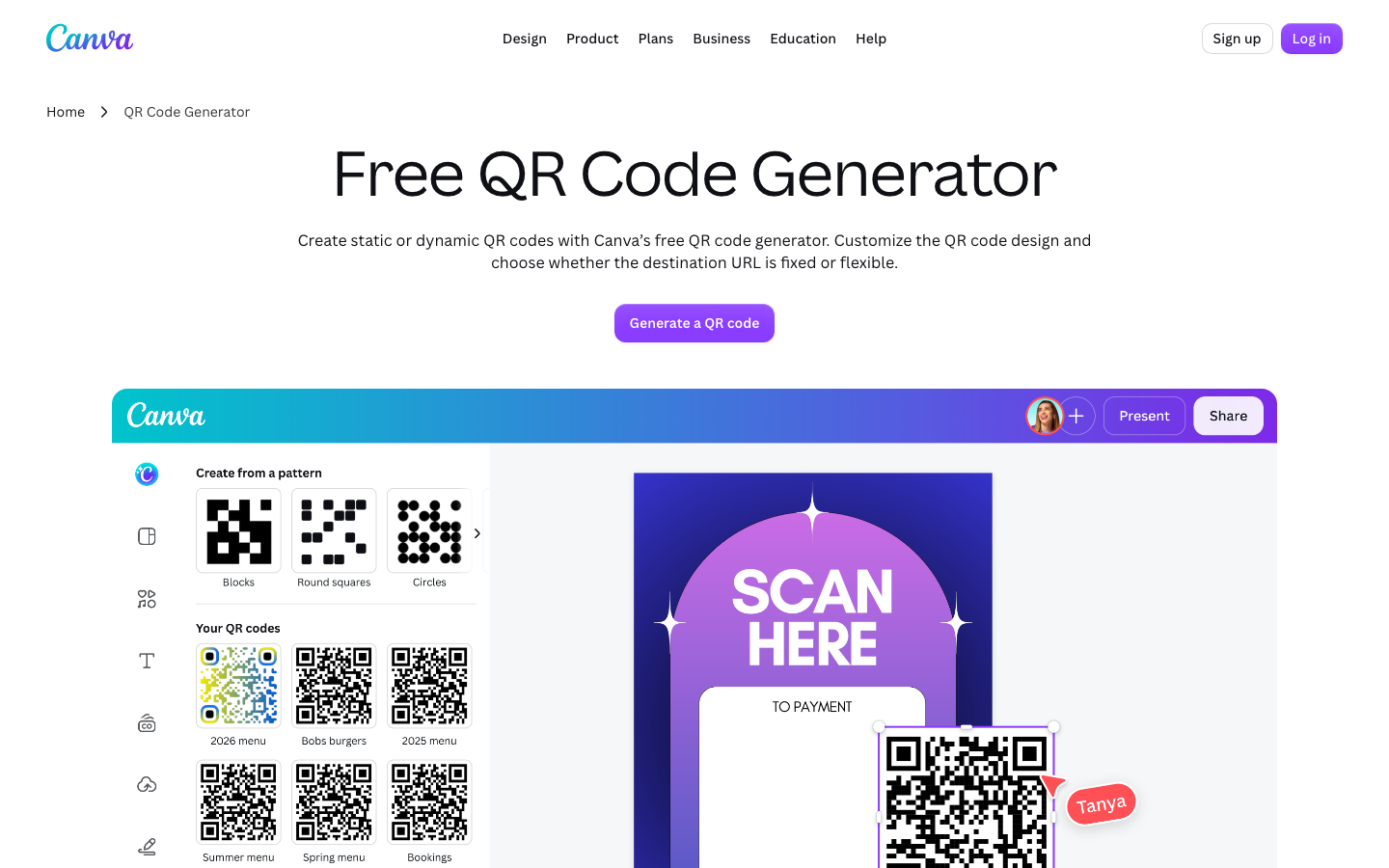
TL;DRCanva's QR code generator is free for all Canva users and creates a static image that does not expire if the destination URL stays live.You access the generator through the...
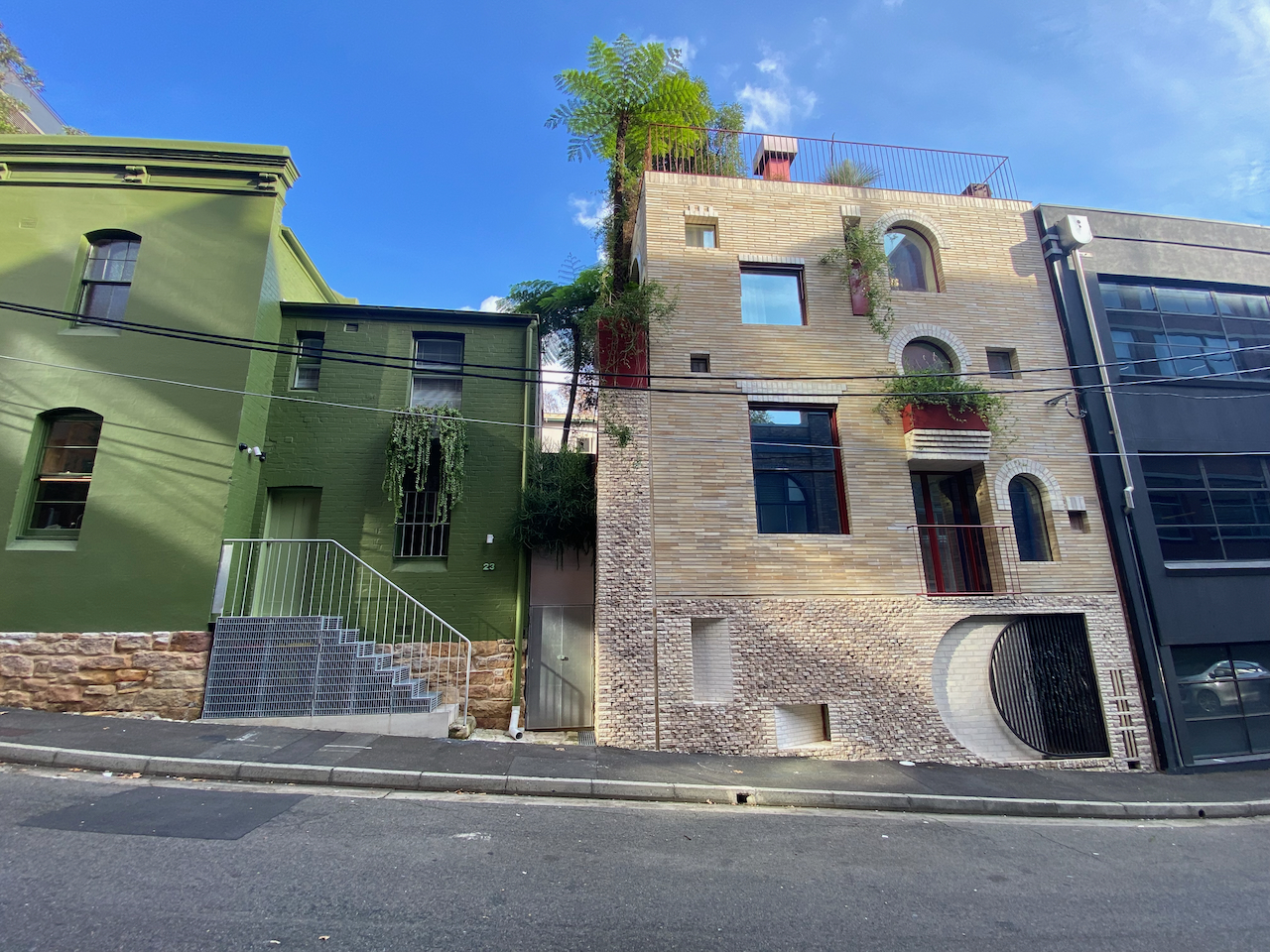
TL;DRCanva Hub is a brick-and-mortar co-working and event space in Surry Hills, Sydney, opened as the startup scaled into a global tech operation and still active as of October 2023.The...