TL;DRHold Shift while dragging a corner handle to lock the aspect ratio and scale uniformly in Canva Free and Pro.Dragging a corner handle without Shift warps the image, turning a...
TL;DRGrouping in Canva requires selecting at least two elements and using Ctrl+G (Windows) or Cmd+G (Mac) on desktop.Ungrouping uses Ctrl+Shift+G (Windows) or Cmd+Shift+G (Mac) on desktop, or the Ungroup button...
TL;DRCanva's built-in highlight effect is called Background, found in the Effects panel, and it always covers the entire text box, not individual words.To highlight a single word, you must split...
TL;DRTo add a link in Canva, select any text or element, click the chain-link icon in the floating editor bar, paste a URL, and press Enter.Canva links are functional in...
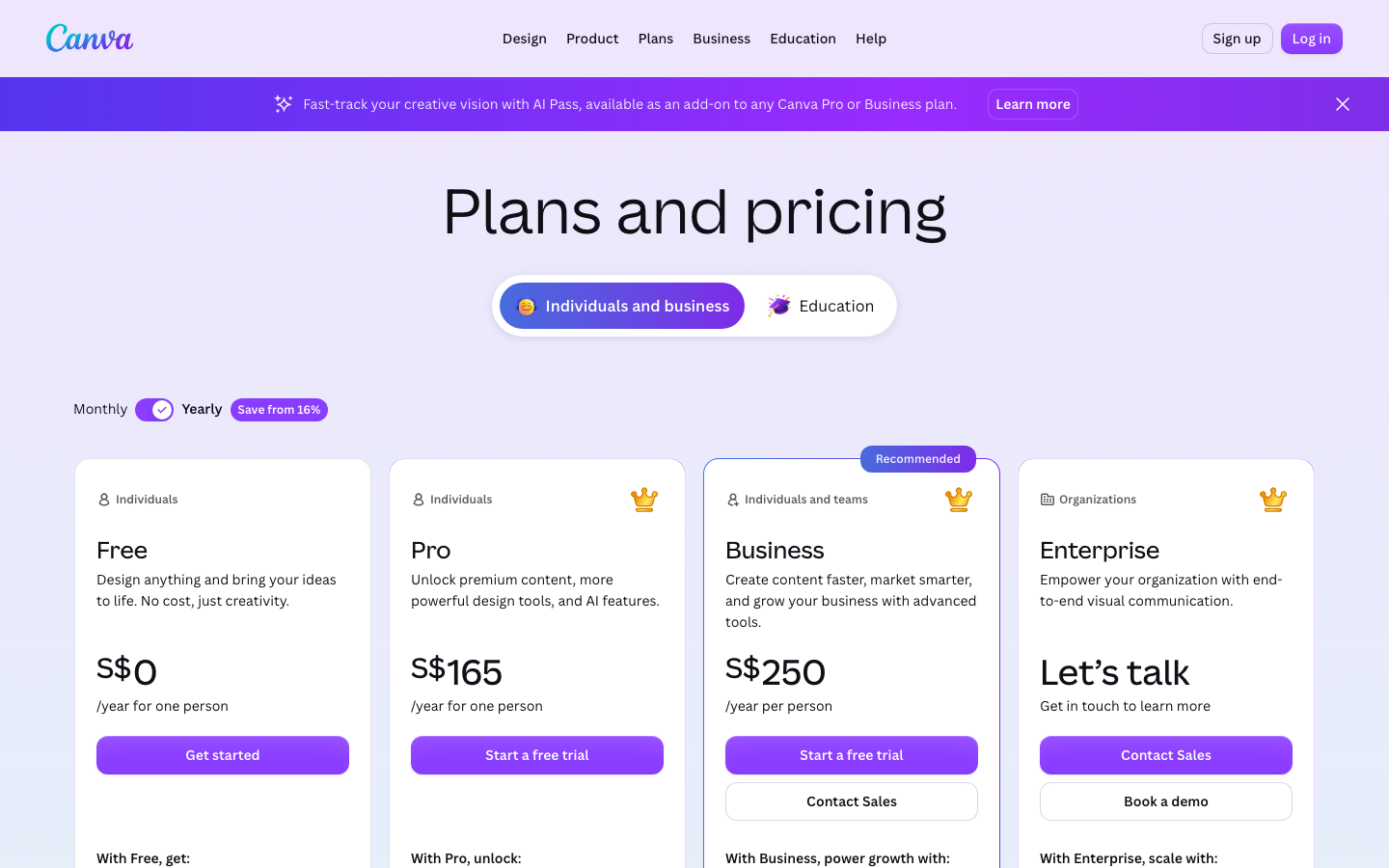
TL;DRCanva Pro costs about $13 per month on a monthly plan or roughly $120 per year (around $10 per month) in the US, with regional variations.Pro unlocks over 100 million...
TL;DRThe Flip button in the top toolbar works identically for images, shapes, and text boxes.Flipping horizontal creates a left-to-right mirror; flipping vertical turns the object upside down.For truly mirrored text,...
TL;DRFree Canva users can export a .pptx file; Pro users can also save directly to Google Slides format through Google Drive.The .pptx export preserves simple animations but strips embedded audio...
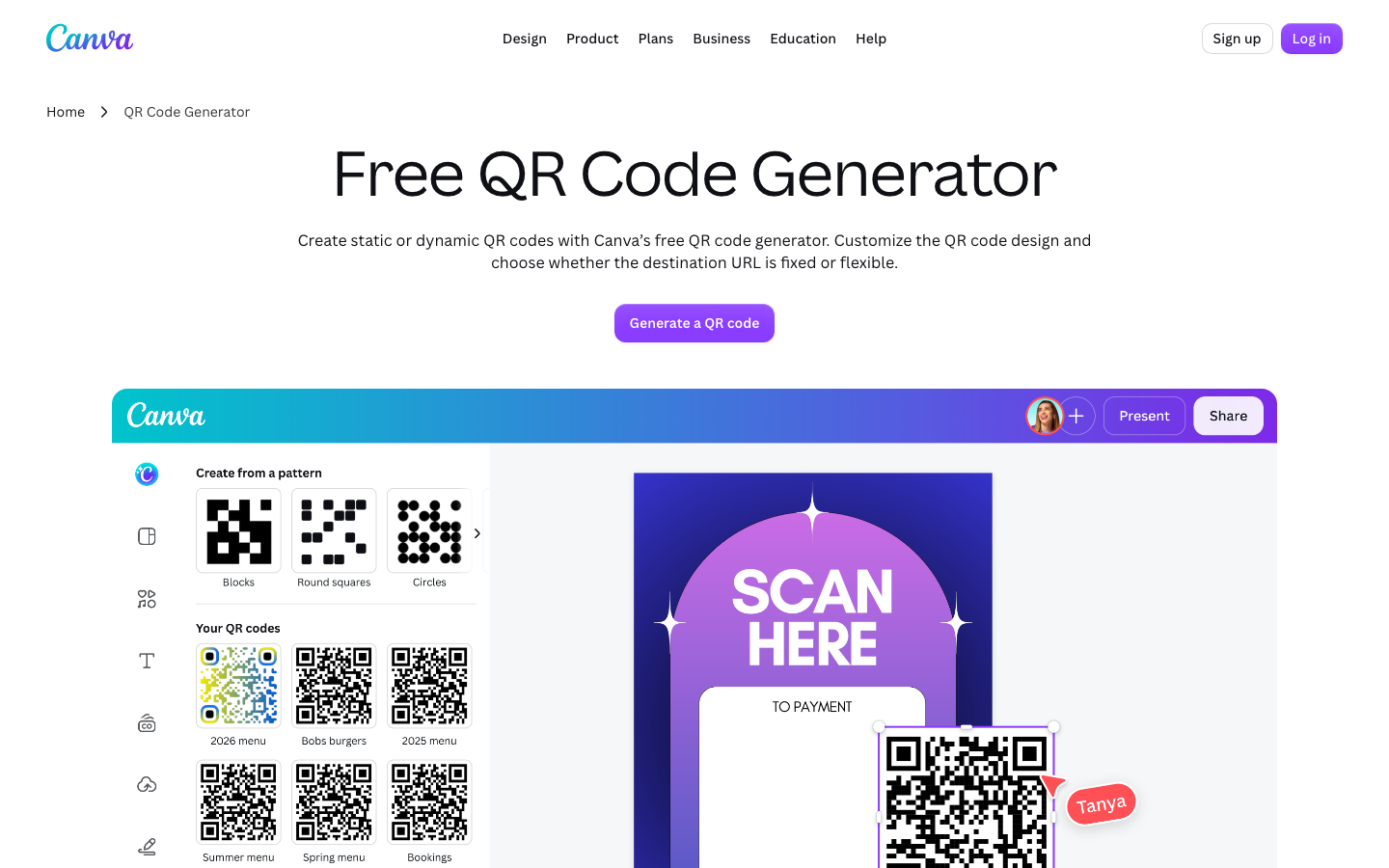
TL;DRCanva's QR code generator is free for all Canva users and creates a static image that does not expire if the destination URL stays live.You access the generator through the...