Designers earn money from Canva layouts through two distinct channels: the official Canva marketplace and external storefronts such as Etsy or Creative Market. Each channel operates on a different payment mechanism and rule set. Inside Canva, royalties accrue each time a Pro subscriber uses a layout. Outside Canva, sales are direct transactions. The buyer pays a fixed price and receives a template link that forces a copy of the design into their workspace. Neither channel demands large upfront capital, but both require an existing Canva profile and, for the marketplace, acceptance into the Canva Creators program.
This article walks through the application process, publishing a layout to Canva's catalog, selling designs on third-party platforms, and the design decisions that influence income on each channel.
Apply to become a Canva Creator
Listing designs in Canva's built-in store starts with admission into the Canva Creators program. The application lives at creators.canva.com and requires an existing Canva profile. The form asks for a portfolio of original work. Canva evaluates submissions on design quality, originality, and fit with the platform's content gaps.
The program does not disclose a minimum number of portfolio pieces. Submit your strongest work. Availability of the application form can shift by region and timing; Canva does not guarantee the intake is always open. Once admitted, a contributor publishes directly from the Canva editor through the Share button.
After approval
Accepted contributors see a new publishing destination inside the Share flow. After clicking Share, the Publish as Template option appears. Selecting Canva Creators as the destination places the layout in Canva's marketplace. Contributors earn through a royalty system tied to usage by Pro subscribers. The exact rate is not public. Each time a Pro user pulls the design into a project, the contributor gets paid. Usage by Free or Teams plan members does not trigger royalties.
Design choices that affect marketplace earnings
Ingredient selection shapes a layout's earning potential. Any asset in Canva's library is fair game, including items marked as Pro-only. But those Pro assets impose a restriction: Free-tier users cannot edit or use layouts that contain them. Because only Pro subscribers generate royalties, locking a design to Pro assets does not necessarily shrink the paying audience. It does, however, block the much larger population of Free users from trying the layout, which may suppress word-of-mouth discovery.
A design built entirely from free assets opens to everyone. Free users can modify and share it, but their activity produces no income. Royalties arrive only when a Pro subscriber adopts the layout. The practical decision for a contributor is whether to chase maximum visibility among Free users, hoping some convert to Pro, or to target Pro subscribers directly with premium assets and narrow use cases. Canva has released no public data indicating which approach yields higher lifetime royalties.
Key facts
- Program name: Canva Creators
- Application URL: creators.canva.com
- Prerequisite: Existing Canva profile and a portfolio of original designs
- Review criteria: Design quality, originality, alignment with platform content needs
- Payment mechanism: Royalty per use by a Canva Pro subscriber
- External platforms: Etsy, Creative Market, or your own site
- Delivery method for external sales: Template link that forces a copy of the design into the buyer's workspace, often delivered inside a PDF
Selling templates outside the Canva marketplace
Selling on Etsy, Creative Market, or a personal site follows a different model. The seller sets a fixed price and keeps the full sum minus the platform's selling fee. Canva takes no cut of external sales. Delivery happens through a template link. To generate one, open the design in the Canva editor, click Share, and choose Template link. The resulting URL forces the recipient's workspace to create a copy of the design. The link functions even for buyers on a Free plan, provided the original source uses only free assets. If it contains Pro-only components, the buyer needs a Pro subscription to edit the copy.
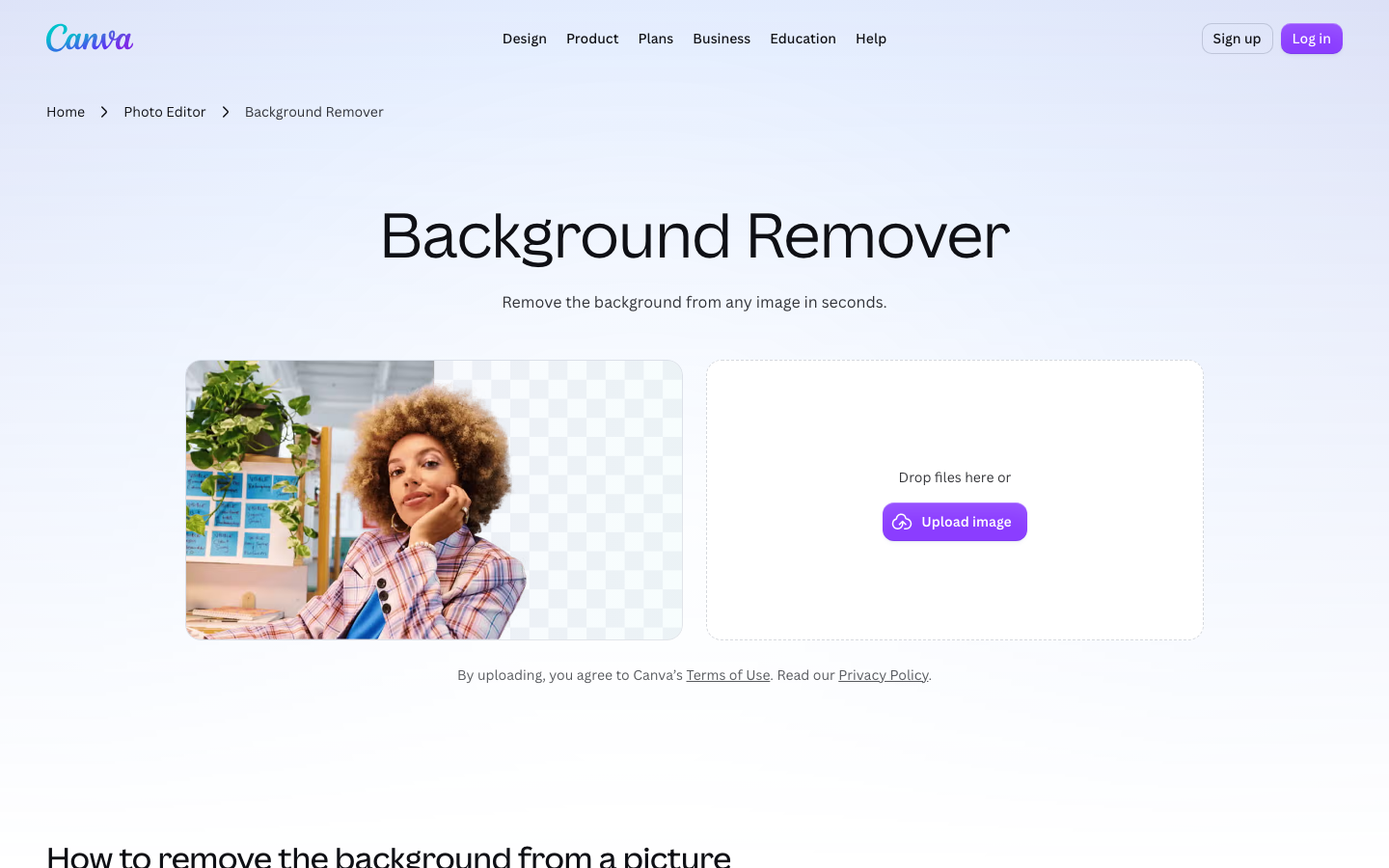
The typical delivery format is a PDF holding the template link or a direct download pointer. The upside of external sales is predictable income per transaction. The downside is the need to attract traffic to the listing. Canva's built-in catalog supplies discovery, but the contributor does not control the price or the royalty rate. External sales demand marketing work. Canva's Brand Kit, Background Remover, and Magic Resize tools remain exclusive to Pro and Teams plans. Contributors who want those production tools need their own Pro subscription.
Frequently asked questions
Do I need a Pro subscription to sell layouts on Canva?
You need an existing Canva profile to apply as a Canva Creator. A Free plan is sufficient to start. To use production features like Brand Kit, Background Remover, or Magic Resize, you would need a Pro or Teams plan.
Can I sell the same design on Canva's marketplace and on Etsy?
The Canva Creators terms do not explicitly forbid external listings, but check the latest terms of service. Many contributors sell on both channels. Layouts with Pro-only ingredients, however, may limit usability for external buyers on Free plans.
How are royalties calculated for marketplace designs?
Canva keeps the exact royalty rate private. Payments track each instance a Pro subscriber uses a layout. The rate may fluctuate by region, design category, or subscription plan.
\nRelated reading: How to make a QR code in Canva and How to add a link in Canva.